Understanding user needs & removing barriers for Care Console
Case Study
Overview
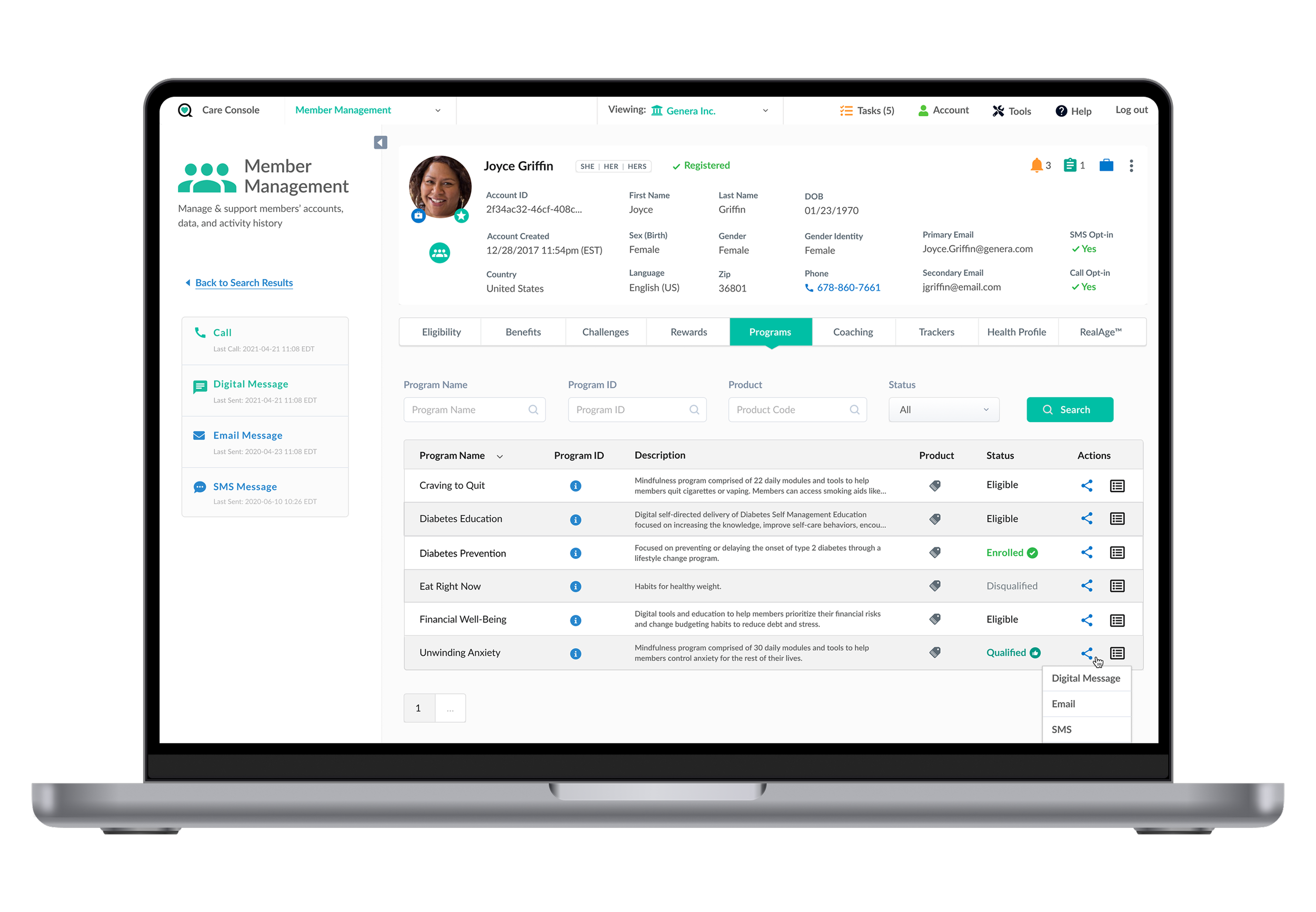
Care Console is a comprehensive admin tool designed to give advocates a complete view of each member's health. It provides essential clinical information such as claims data, risk assessments, benefits eligibility, & healthcare usage and powers a personalized health consumer app.
Project Objectives
Update personas to reflect updated roles & teams who use the system

Understand the tasks & flows of the end users
Discover any barriers to accomplishing a task

Identify UI / UX recommendations to inform both workflow & design enhancements
Design Approach
Research
Understand user needs & behavior
Document top tasks
Identify pain points
Concept
Create wireframes & flows
Prioritize updates
Implementation
Handoff to UI Designer for final designs
Collaborate with technology
User Research
Conducted 1:1 in-depth interviews with end users to understand their roles, how they use the system, what their top tasks were and any issues they encounter.
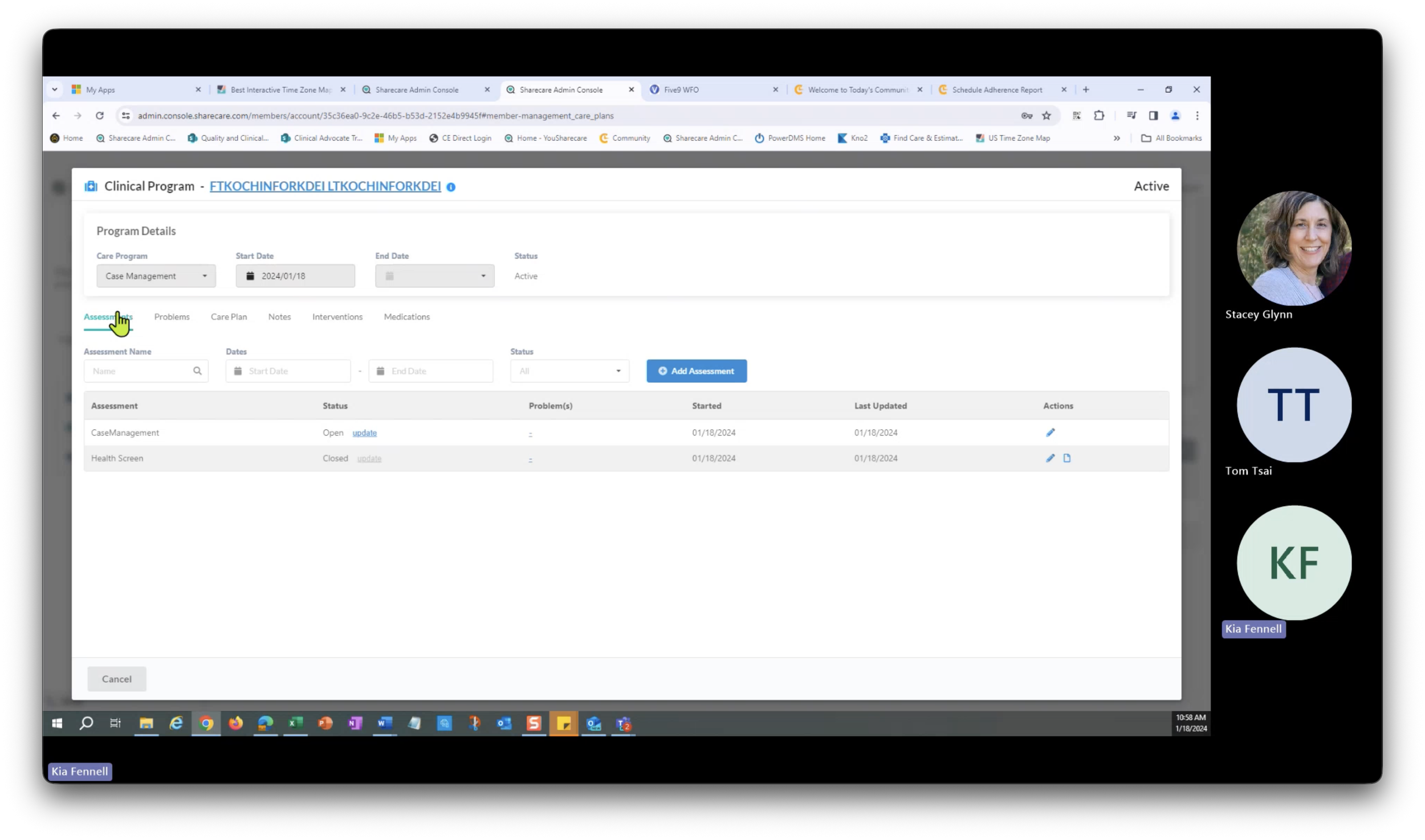
Task Flows
A total of 35 tasks across all the roles were documented & assembled in a flow. UX improvements were also annotated.

User Personas
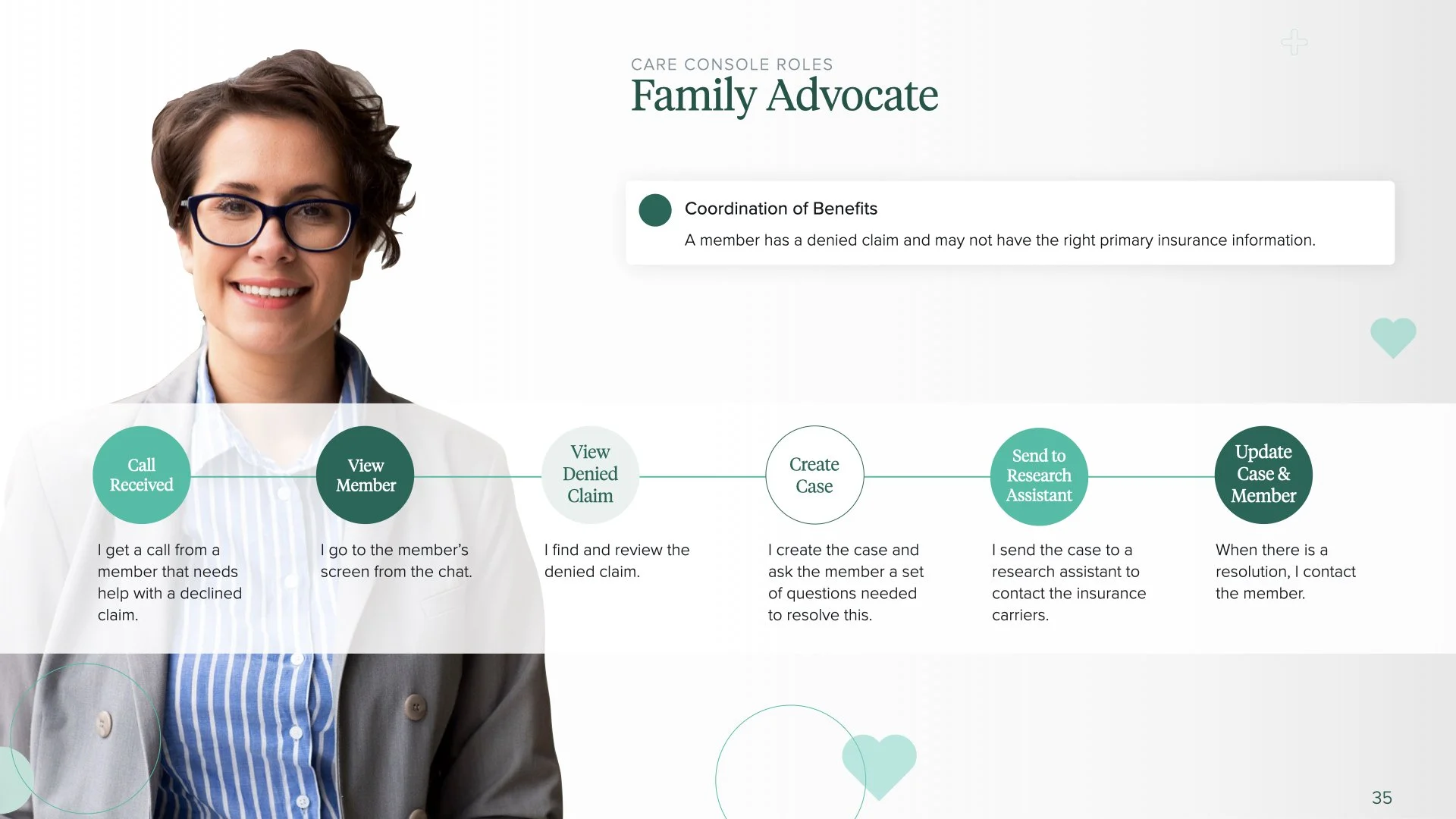
Twelve role based personas were created to account for all the users of the system. Their top tasks & flows were presented at a high level.
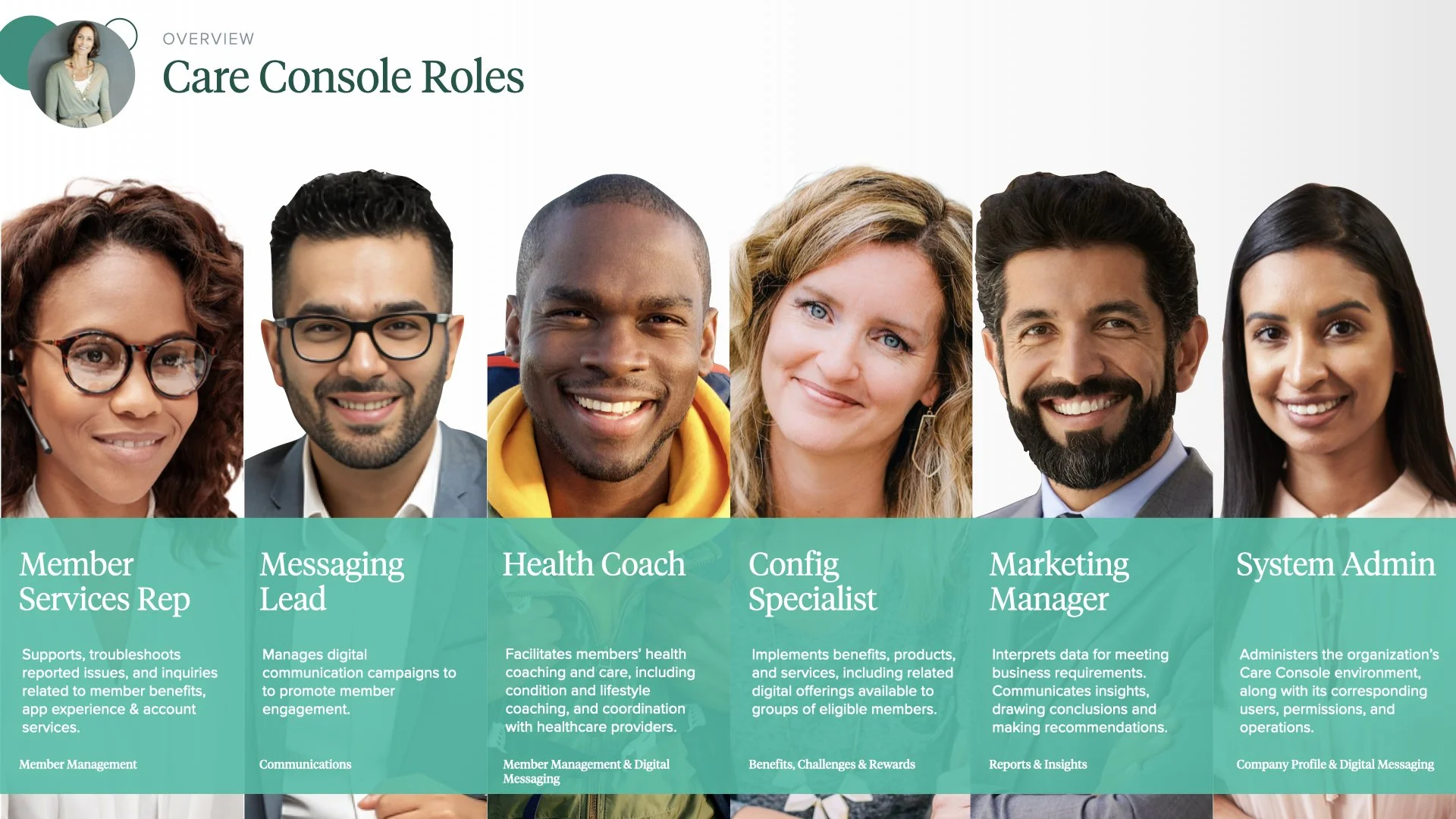
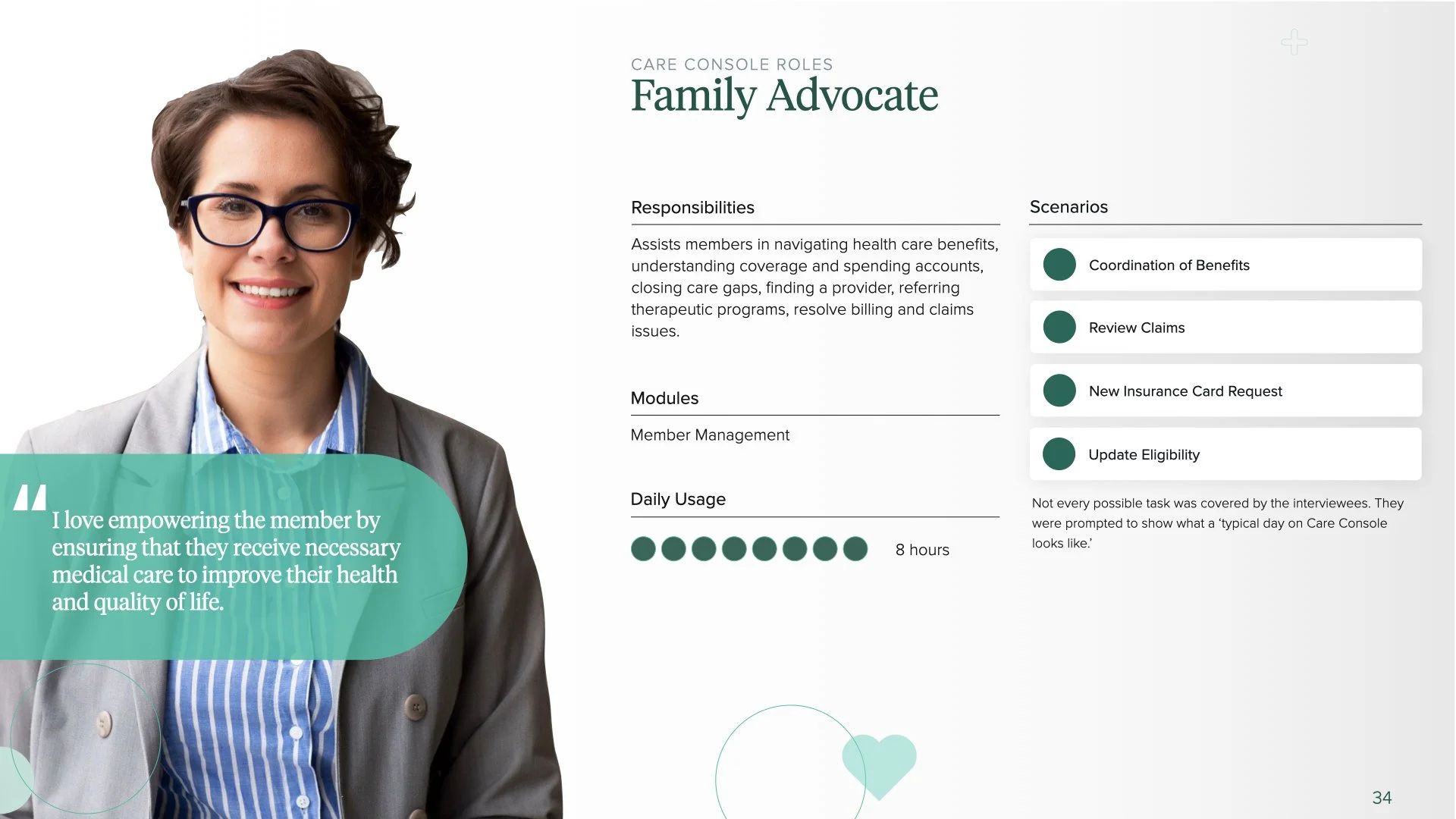
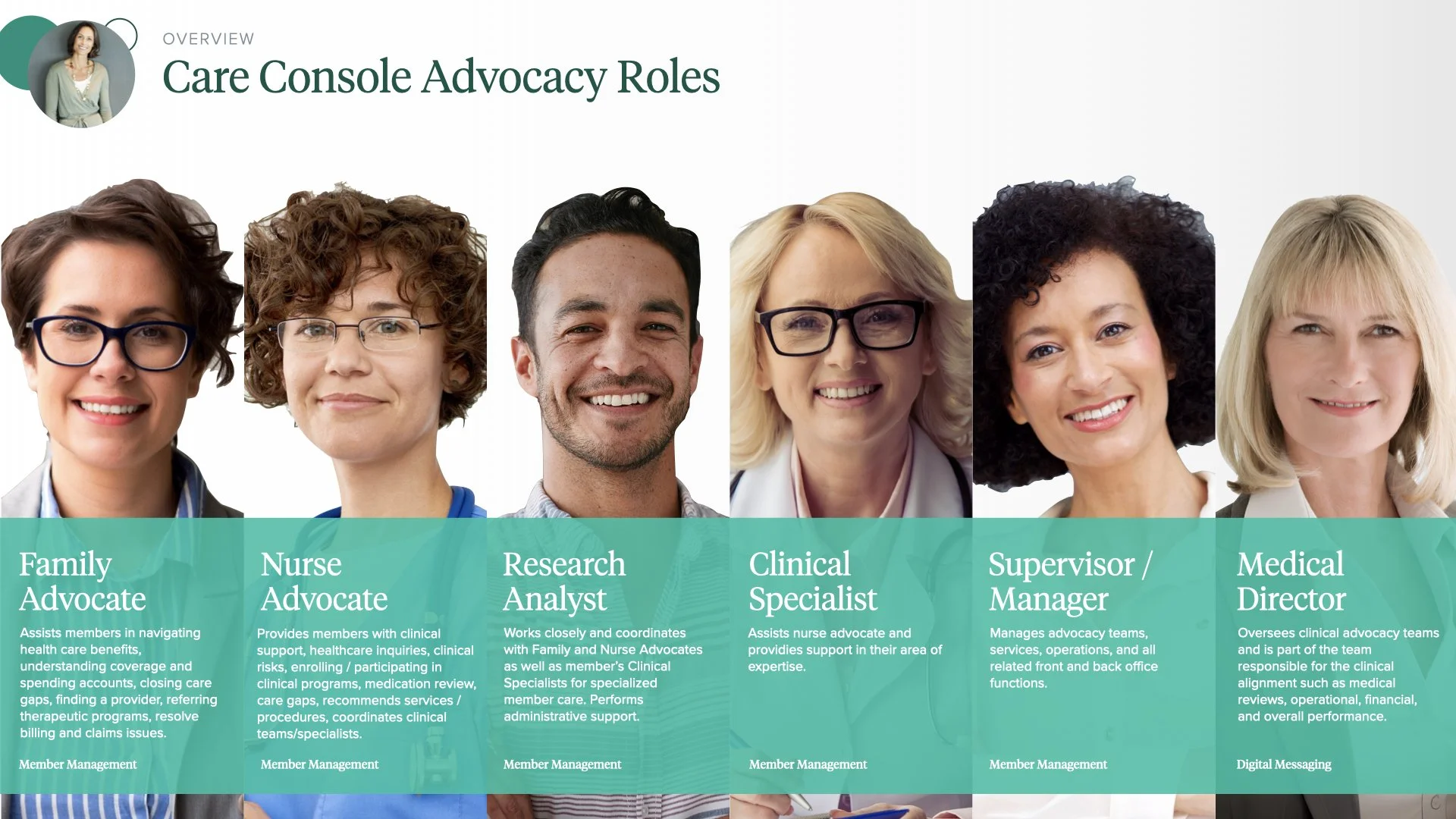
Research Findings
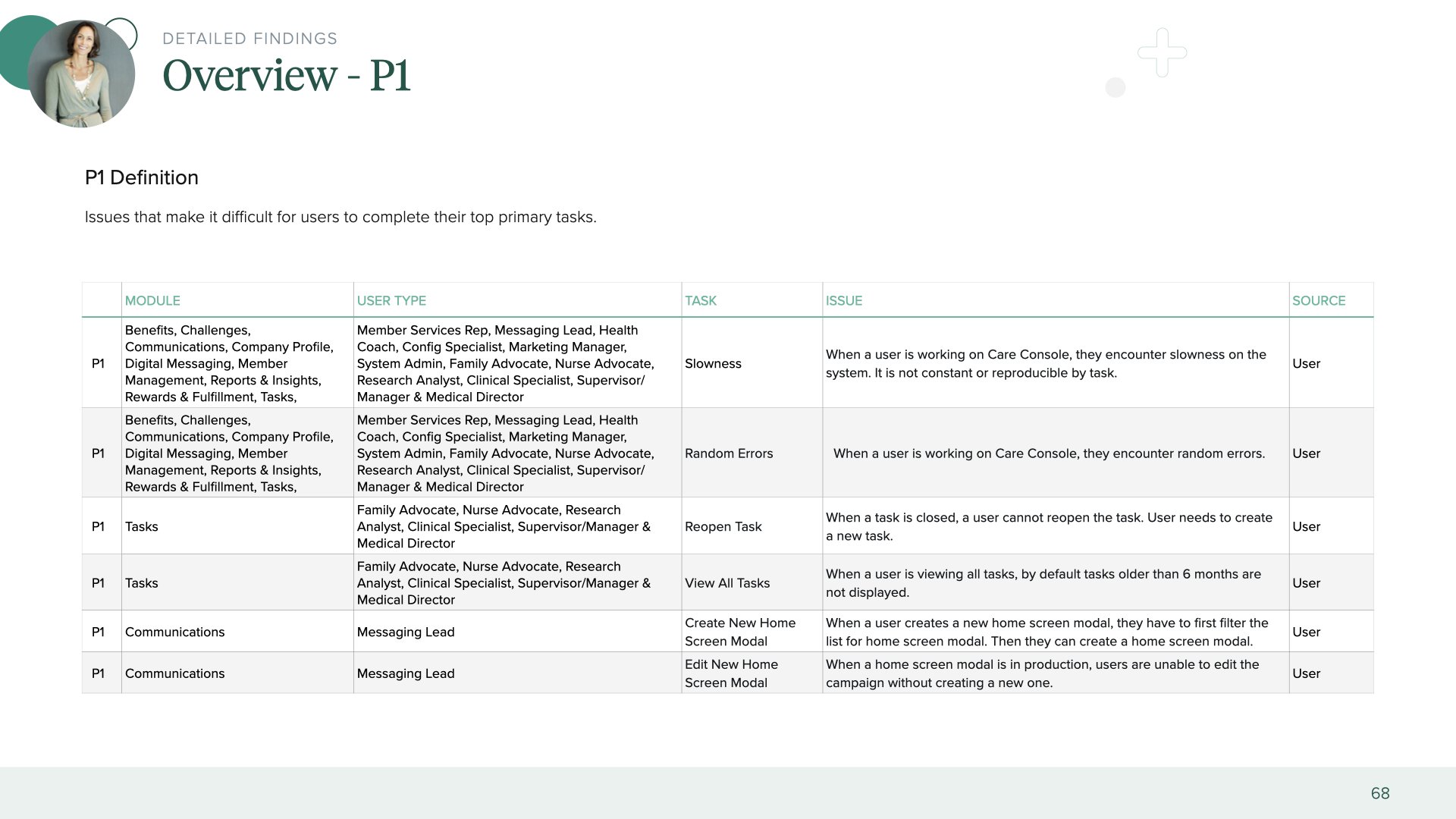
The findings could be grouped into the following UX categories.
Site Performance
Time it takes for a user to complete a task

Reversible Actions
Users should be able to easily reverse or undo their actions

Cognitive Load
Users can only handle so much information at once

Consistency
Allows the user to transfer their knowledge & skills from one part of the application to another

Shortcuts
With increased use comes the demand for quicker methods of completing tasks
Design & Dev Sync
All detailed findings were prioritized from P1-P3 based on UX impact & presented to Product Manager, UI Designer & development.